
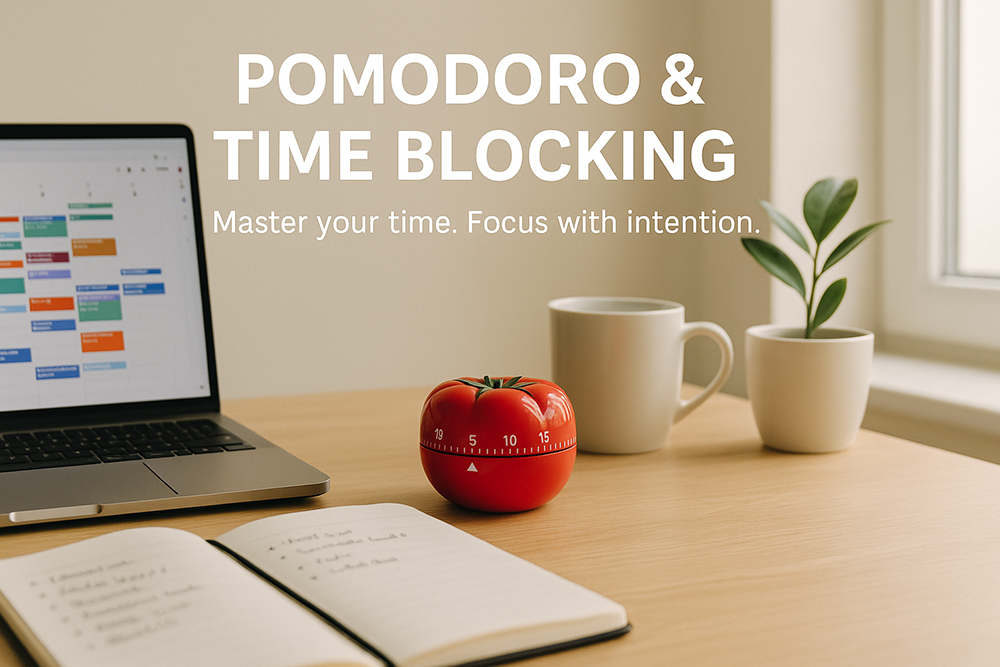

Ever feel like you’re busy all day, but somehow nothing truly gets done? You’re not alone. Between meetings, emails, social media scrolls, and that “just five more minutes” on YouTube, it’s easy to lose track of time. For years, I struggled with staying focused—until I discovered the powerful duo of Pomodoro & Time Blocking.

If you’ve heard those terms tossed around in productivity circles but never quite clicked with them, stick around. I’ll walk you through what they are, how they work together, and why using them together might just change your life (or at least your Mondays).
The Problem: Time Leaks and Mental Fog
Before diving into the strategy, let’s get real for a second.
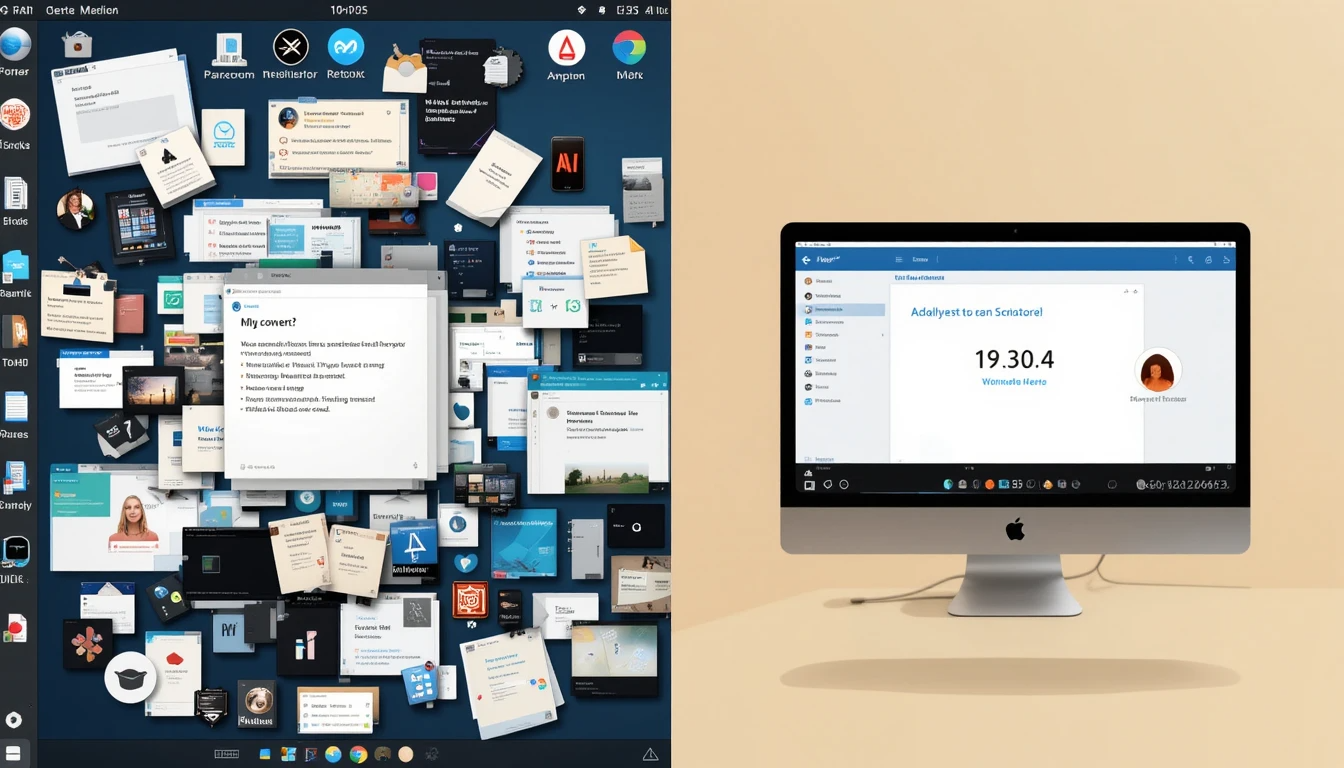
Most of us don’t lack time—we lack structure. We waste countless hours task switching, procrastinating, and responding reactively instead of working with intention. You start writing an email, get a Slack message, reply to that, then remember the email, then check your phone—and two hours later, you’ve barely done anything.
That’s mental fragmentation. It feels exhausting. And the worst part? It becomes your new normal.
This is where Pomodoro & Time Blocking step in like a pair of productivity superheroes.
Time Blocking: Giving Every Minute a Job
Time Blocking is simple but surprisingly underrated. You divide your day into “blocks” of time and assign each block a specific task or category. Think of your calendar as a chessboard where each square has a purpose.

For example:
8:00 AM – 9:30 AM: Deep Work – Client Project
9:30 AM – 10:00 AM: Email Responses
10:00 AM – 10:30 AM: Break + Walk
10:30 AM – 12:00 PM: Writing Blog Content
You get the idea. The magic here is intentionality. You’re not “finding time” to write or hoping to get around to it. You’re making time. You’re telling your brain: “This is what we do now.”
At first, it feels rigid. Then, liberating. Because when your calendar tells you what to do, you’re free from constant decision fatigue.
The Pomodoro Technique: Fight Distraction with Focus Sprints
Now let’s meet the second half of our power couple: Pomodoro.
Developed by Francesco Cirillo in the late 1980s (yes, named after a tomato-shaped kitchen timer), the Pomodoro Technique is all about working in short bursts of focused effort followed by small breaks.
Here’s the basic breakdown:
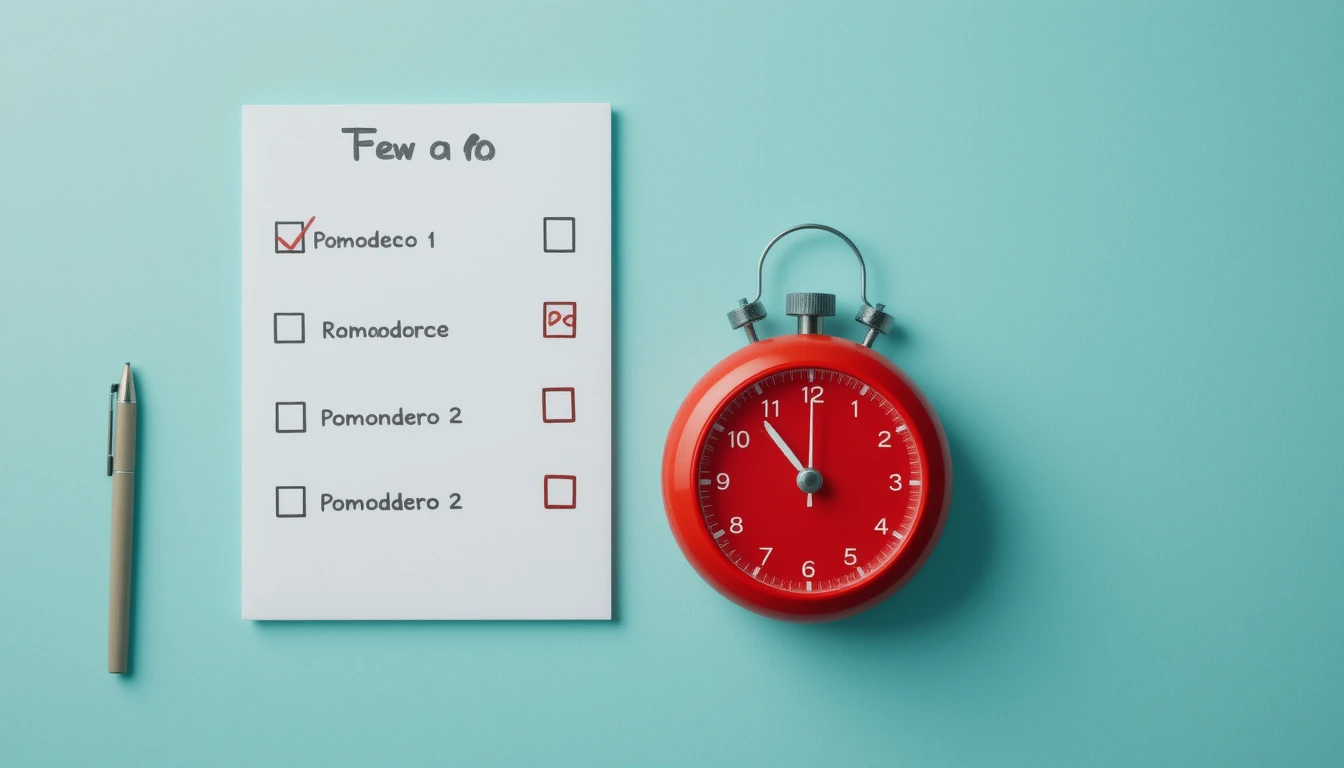
Choose a task
Set a timer for 25 minutes
Work on the task—no distractions
When the timer rings, take a 5-minute break
Repeat 4 times, then take a longer 15–30 minute break
Why does this work?
Because your brain is like a muscle—it performs better in sprints, not marathons. With a clear time boundary, it becomes easier to resist distractions like “I’ll just check my phone real quick.” You can tell yourself, “It’s only 25 minutes. I’ll survive.”
Why Pomodoro & Time Blocking Are Better Together
Now here’s where the real magic happens. Pomodoro & Time Blocking aren’t just two standalone methods. They complement each other beautifully.
Think of Time Blocking as the macro view—the roadmap for your day. It tells you what you’ll work on and when.
Pomodoro is the micro execution tool. It tells you how to tackle that work—one focused sprint at a time.
Here’s an example:
You’ve blocked 10:00 AM – 12:00 PM for “Content Creation.” Within that block, you do three Pomodoros focused on writing, one on editing, then take a 15-minute walk.
Time Blocking provides structure, Pomodoro injects momentum. Together, they beat procrastination and help you stay on task longer without burning out.

My Personal Routine (It’s Messy, But It Works)
I’m not gonna pretend I follow this perfectly every single day. Life happens. Kids get sick. Meetings run over. The dog throws up on the rug.
But here’s a snapshot of a good day:

7:00 AM – 8:00 AM
Coffee + Morning Review (journal, check blocks, plan 3 priorities)
8:00 AM – 9:30 AM
Deep Work – Client Research (3 Pomodoros)
9:30 AM – 10:00 AM
Snack + Walk + Spotify Chill Beats
10:00 AM – 12:00 PM
Writing Blog Post (4 Pomodoros)
12:00 PM – 1:00 PM
Lunch + Phone-free Break
1:00 PM – 2:30 PM
Admin Tasks + Email + Slack Catch-up (2 Pomodoros + flex)
…and so on.
What I love about combining Pomodoro & Time Blocking is that it gives me both structure and flexibility. If I need to move a block, fine—but when I’m in a block, I stay focused.
Common Pitfalls (And How to Avoid Them)
Let’s be honest—there are a few traps to watch out for.
1. Overbooking Your Blocks
Don’t fill your calendar like a Tetris board.
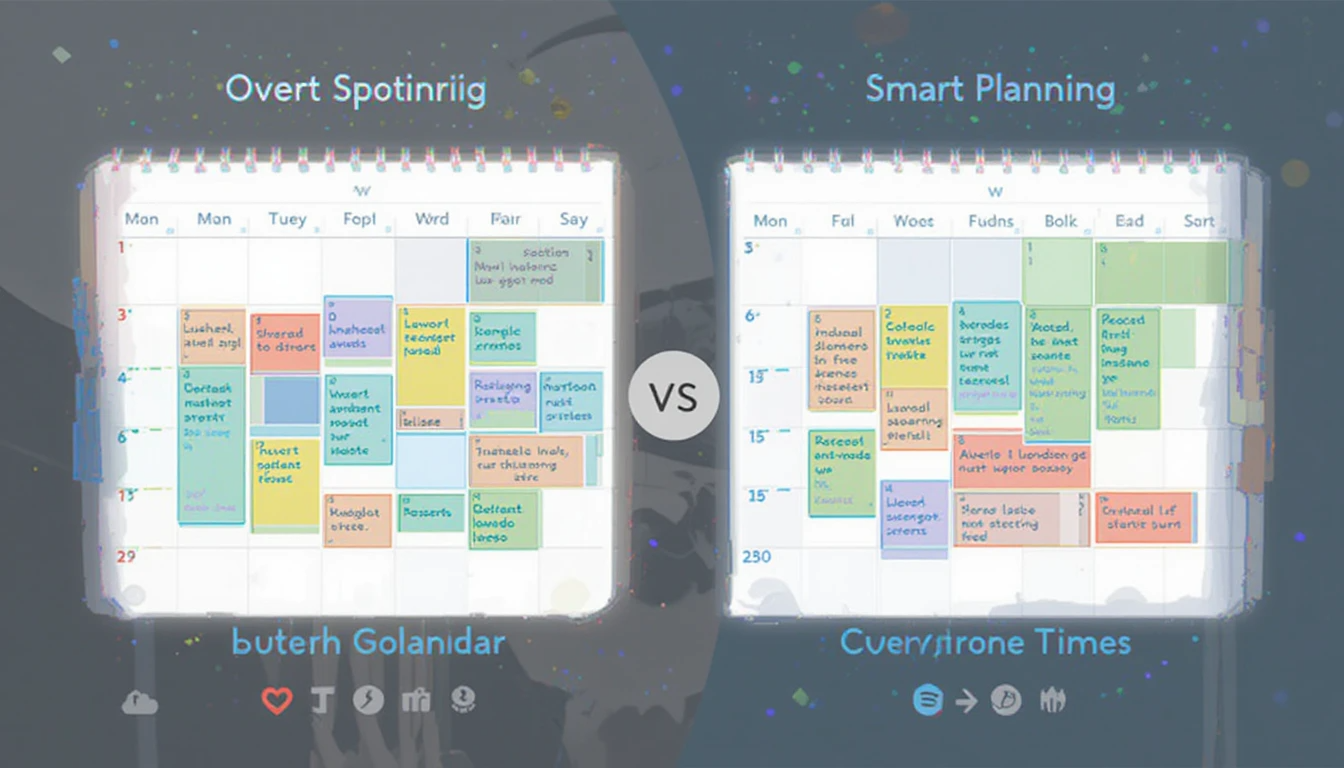
Leave buffer time between blocks for spillovers or breaks. Rushing from one task to the next without room to breathe is a recipe for burnout.
2. Ignoring Energy Levels
Time Blocking works best when aligned with your natural rhythms. Are you a morning person? Then block creative work early. Use the Pomodoro technique during your high-energy windows to get the best results.
3. Getting Too Rigid
Life is dynamic. Meetings change, emergencies happen. Your schedule isn’t set in stone—it’s a guide. Adapt, don’t abandon.
Tools to Supercharge Your System
You don’t need fancy tools, but here are a few I personally use and recommend:
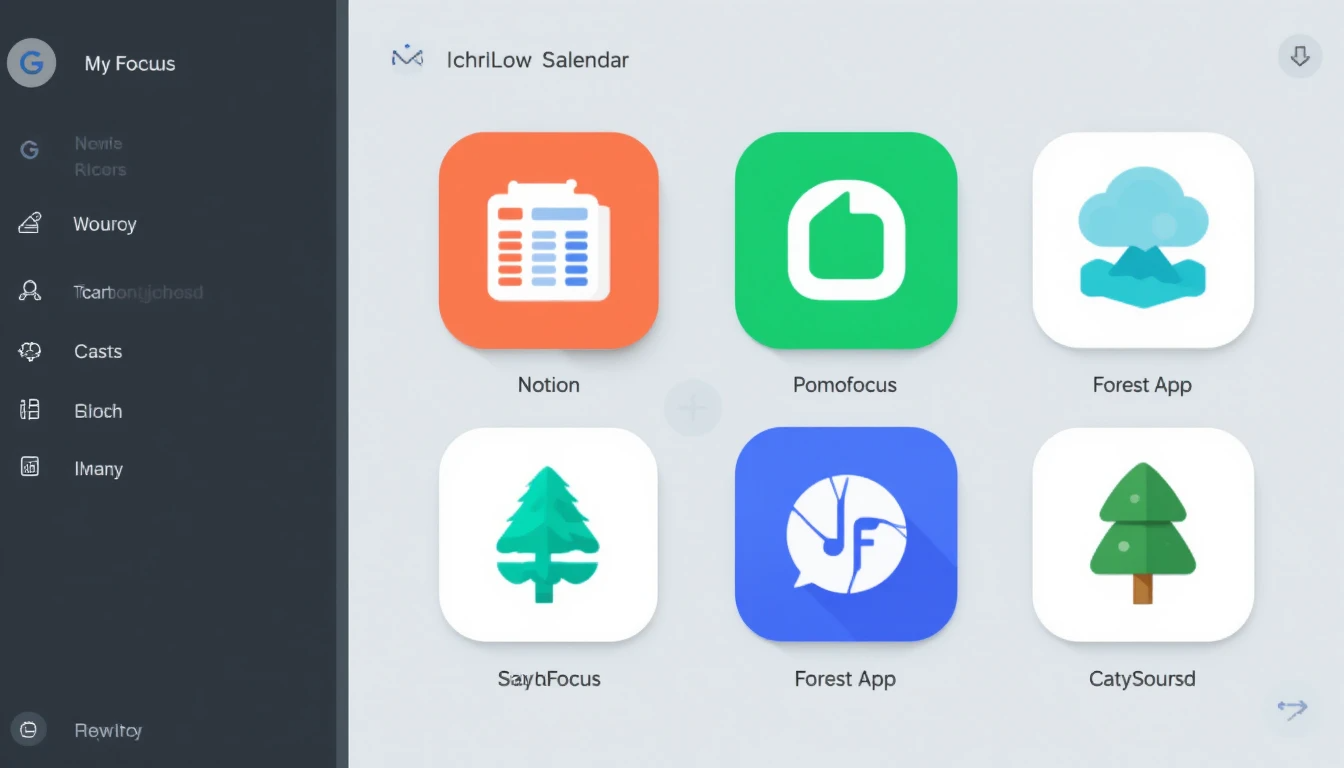
Time Blocking:
Google Calendar – Easy, color-coded blocks
Notion or ClickUp – Great if you like building dashboards
Skedpal – An AI-powered time-blocking assistant (if you’re techy)
Pomodoro:
Focus To-Do – Timer app with task management
Pomofocus.io – A clean, web-based Pomodoro timer
Forest App – Grow trees as you focus (fun motivation)
Pro tip: Use browser extensions like StayFocusd or Cold Turkey to block distractions during Pomodoros.
Real Stories: How Others Use It
One of my friends, Sarah, runs a freelance design business and homeschools two kids. Her mornings are chaotic, but from 1 PM to 4 PM, she blocks that time for client work—and within that, she does Pomodoro sprints. She told me, “It’s the only way I get anything done without losing my mind.”

Then there’s Mike, a college student with ADHD. Time Blocking helps him visualize his week, while Pomodoro gives him permission to just focus for 25 minutes. “Before, I’d get overwhelmed and do nothing,” he said. “Now I do something—and it adds up.”
Start Small, Scale Fast
Don’t try to overhaul your entire schedule overnight. Start by:
Picking one day to experiment with Time Blocking
Choosing one task to try the Pomodoro technique
Reflecting at the end of the day—What worked? What didn’t?
Track your energy, your focus, your wins. Then iterate.
The power of Pomodoro & Time Blocking is not just in how they make you work—it’s in how they make you feel in control again.
If you’re serious about getting more done without working longer hours, these two techniques are worth your attention. Separately, they’re strong. But together? They’re transformational.
So the next time you’re staring at a long to-do list with no idea where to start, remember: block your time, then tackle it one Pomodoro at a time.
You’ve got this.